
How to send money to Trinidad from the US
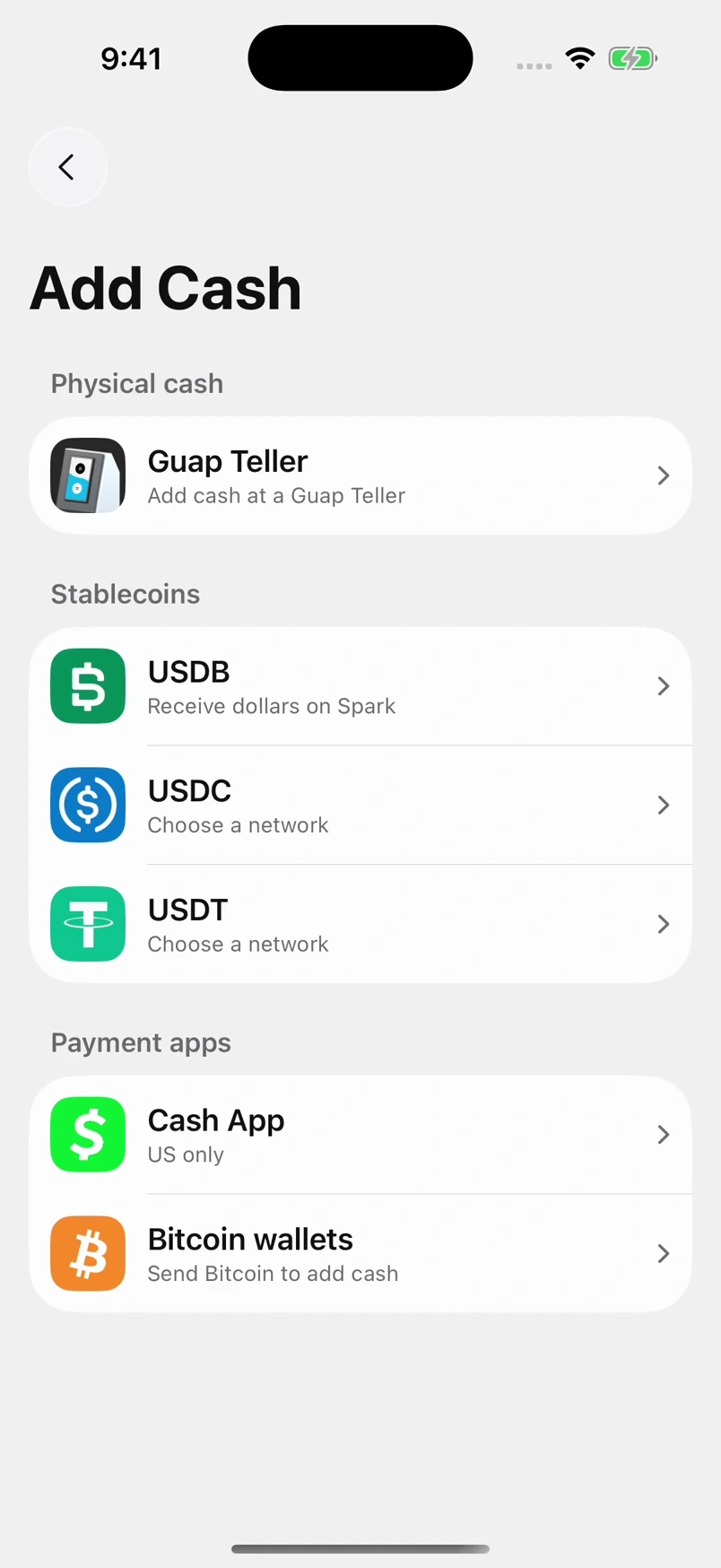
Send through Cash App or Strike. Your recipient gets dollars in Guap and can keep them or collect TT-dollar cash. No Trinidad bank account needed.
Dollars in.
More possibilities.
Keep your balance in dollars, send to another Guap user for free, or collect cash at a Teller.
Includes Guap’s US$0.30 receiving fee. Sender costs are separate. Fee details
TT$7.70 per dollar · September 30, 2026. Check the current rate in the app.
Cash comes in TT$100 notes; the rest stays yours in Guap. Withdrawal limits apply.
Send in three steps.
Two people. Three steps. The recipient uses Guap; the sender uses Cash App.
- 1
Recipient · In Trinidad
Share your address.
The person in Trinidad copies their Solana receiving address from Guap and shares it with the sender.
Find it in GuapAdd Cash → Cash App - 2
Sender · Abroad
Send from Cash App.
In Cash App, the sender chooses USDC on Solana, enters that address and checks the full sending cost before confirming.
Use the matching networkUSDC on Solana - 3
Recipient · In Trinidad
Collect cash, or keep it.
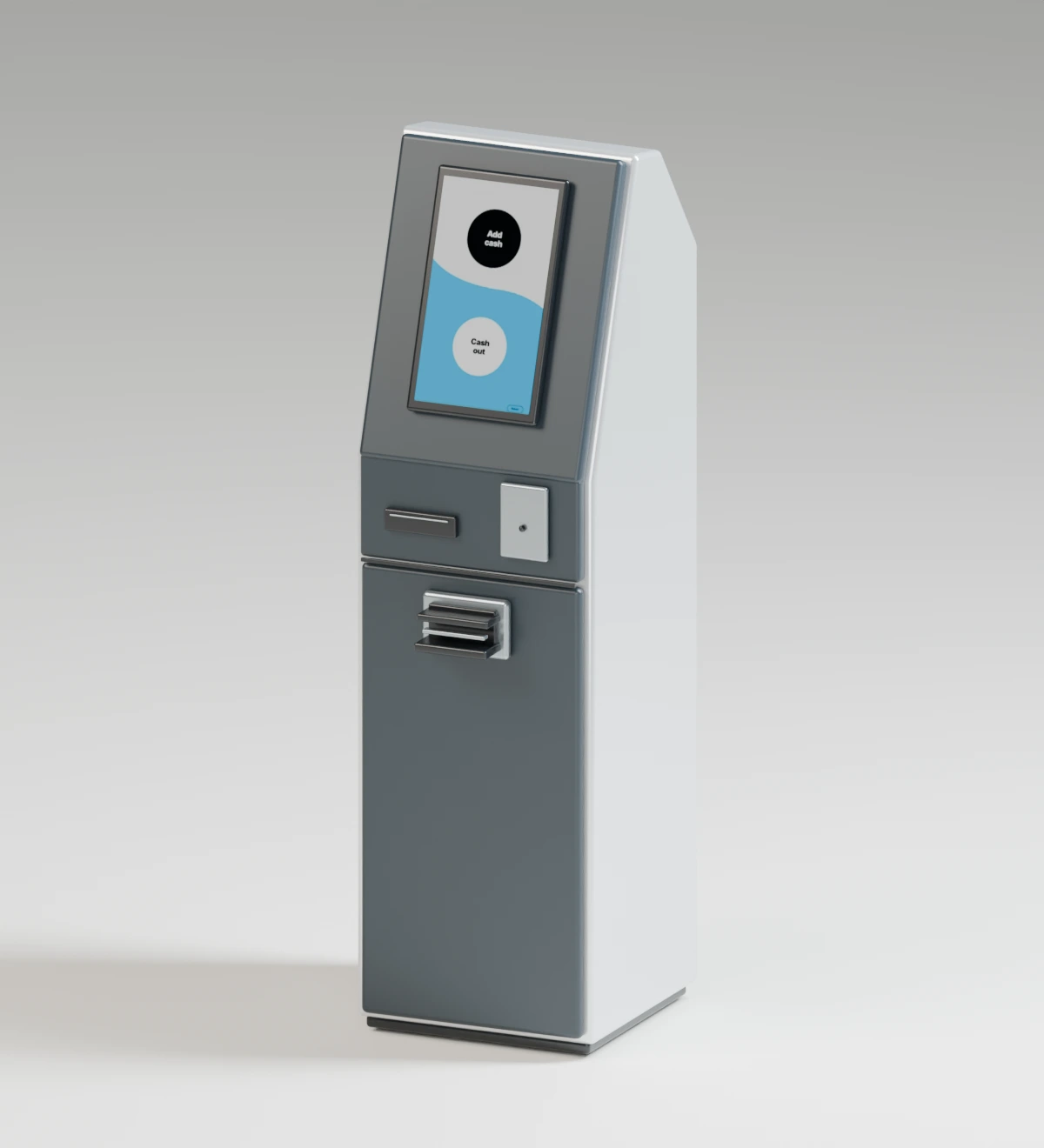
Keep your dollars in Guap, or visit a Teller and follow the app to collect TT-dollar cash.
Keep the rest in GuapCollect TT$100 notes
Match the address and network before sending. In New York, follow the separate Bitcoin instructions. Full setup and sending instructions.
Ready to receive?
Get Guap and share your receiving details with your sender.
Get Guap